Referral Creation Fax Back Notifications
You can update he locations associated with the auto fax back for Referral through Novari Identity Management.
We recommend that you test this in the Test environment before you do any updates to the Production form.
Open Novari Identity Management.
Select the Locations tab
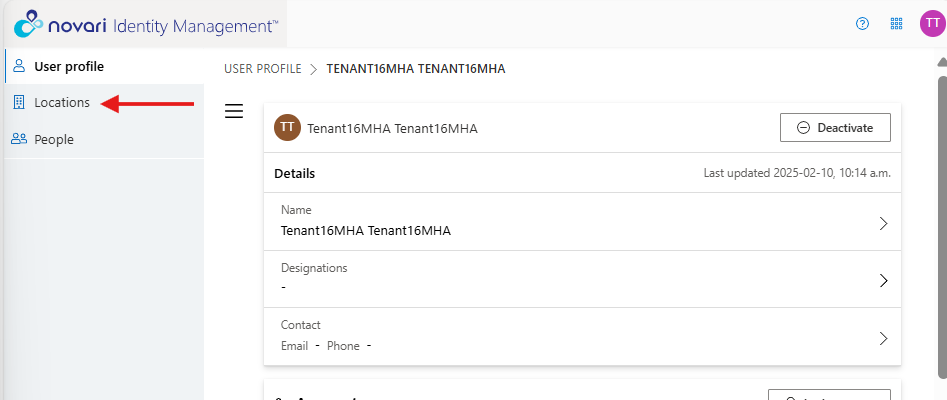
Search for the location
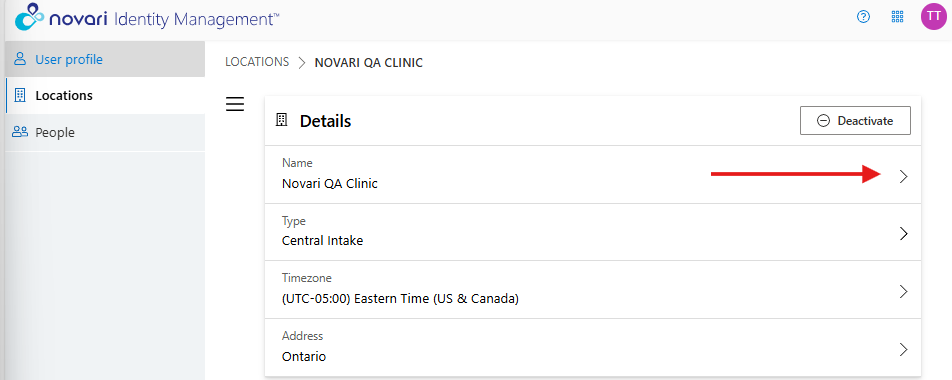
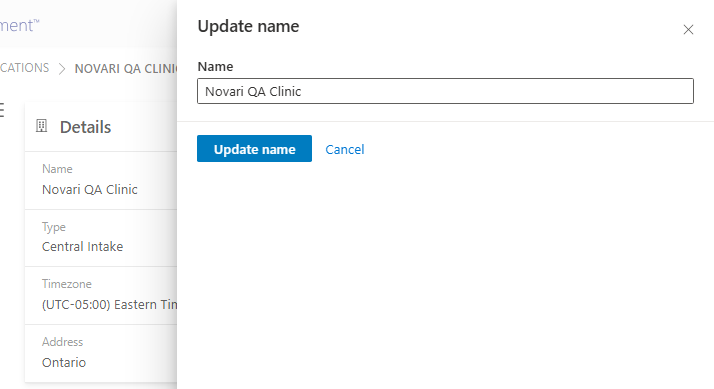
On the Location Details Page, in the name field, select the arrow to update the location name. Keep in mind this will update the name anywhere it appears such as the Inbox queue.
Select Update name
 Use the Filter to assist finding the location.
Select the Types down arrow to the right of the Location Search bar


Select Location Type from the options
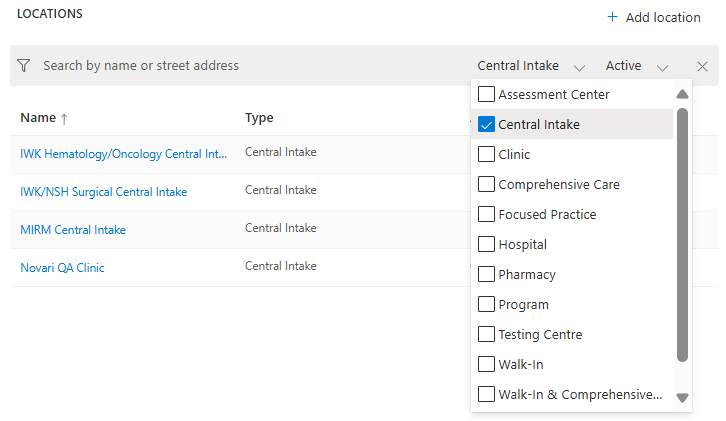
Select the Location Type. The list will be filtered by your selection(s),
Select the Location Name from the filtered list.
If your organization is looking to update the information on the Appointment Notification auto fax, please submit a Change Order Request Form.
Was this article helpful?
That’s Great!
Thank you for your feedback
Sorry! We couldn't be helpful
Thank you for your feedback
Feedback sent
We appreciate your effort and will try to fix the article