Novari eRequest and Novari MIRM referrals have common functionality. Novari MIRM has some additional functionality: Rad View and the Protocol accordion.
Request Tab
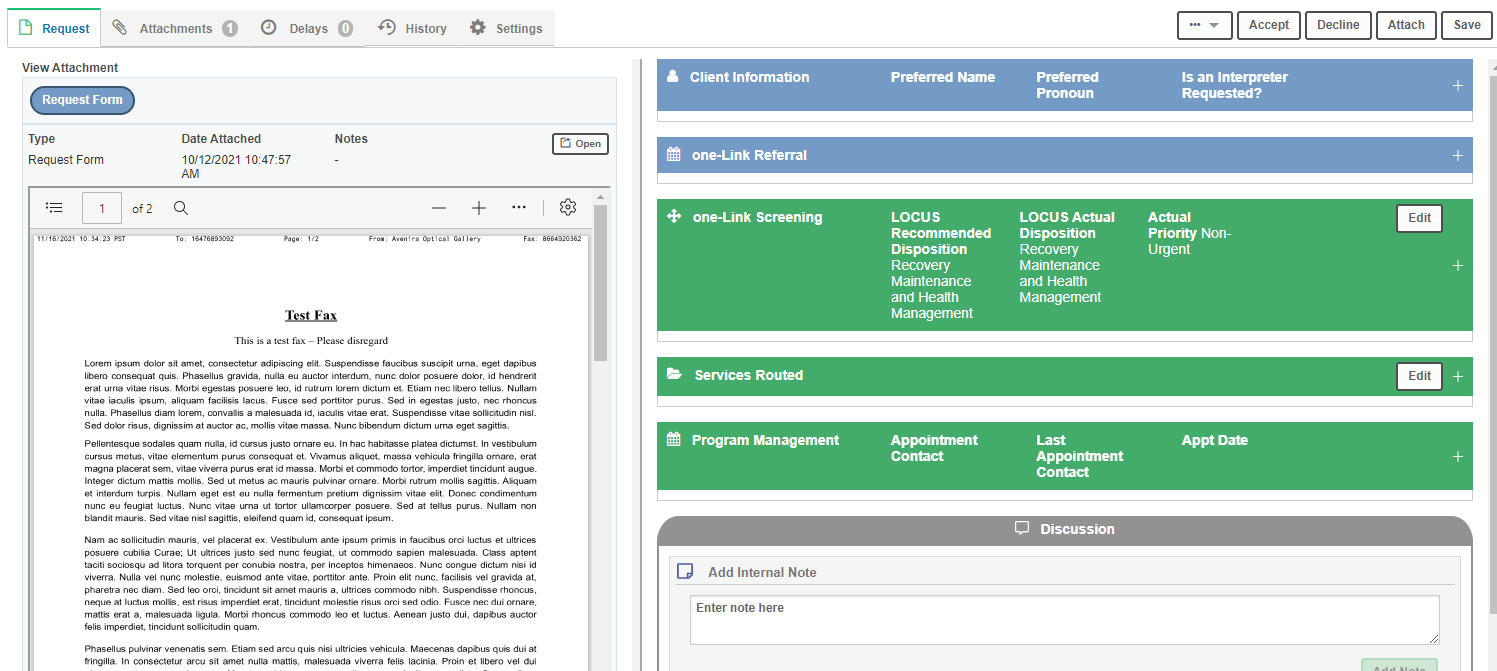
On the Request tab, Novari eRequest displays a side-by-side view of the original request (if multiple attachments you will be able to click to view them as well) and the referral.
Appointment Accordion
The referral may contain an appointment accordion. It may be named and coloured differently depending on your organization’s needs. It may allow you to record appointments and appointment attempts, or, if Novari eRequest has been integrated with the hospital’s information system (HIS), will only display the appointment that is scheduled there.
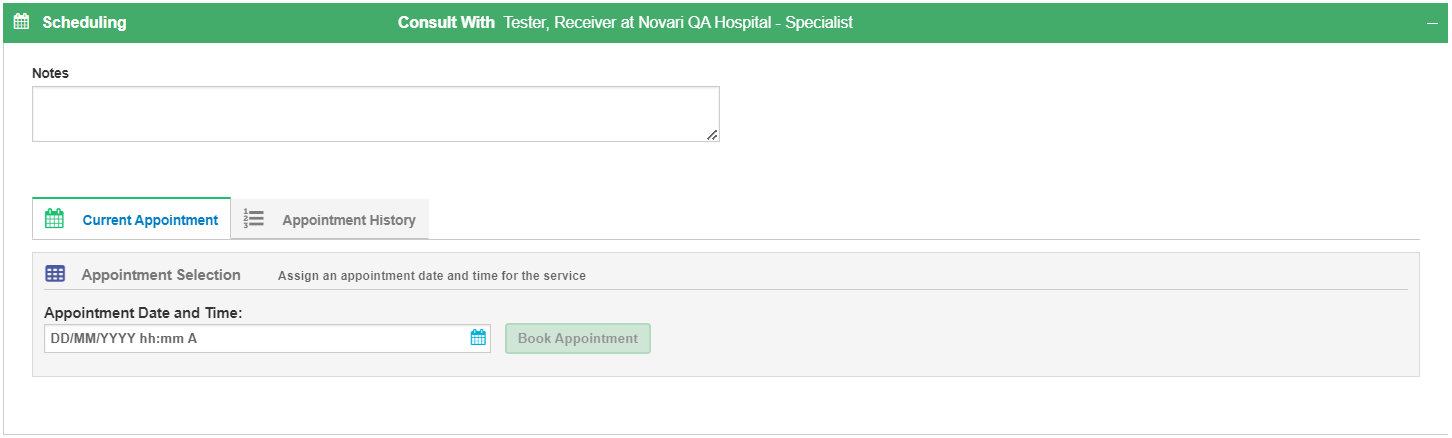
Appointment accordion that allows appointment dates and time to be entered manually.
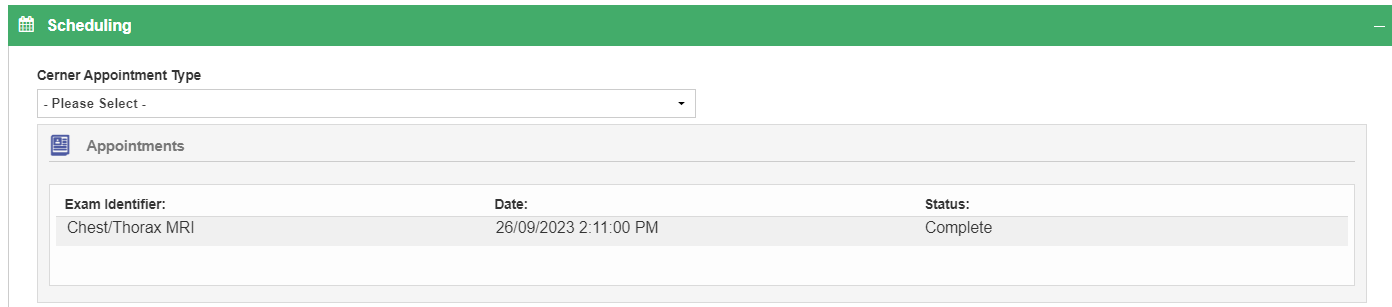
Appointment accordion that automatically records the appointment scheduled in the hospital's information system.
Contact Attempts Accordion
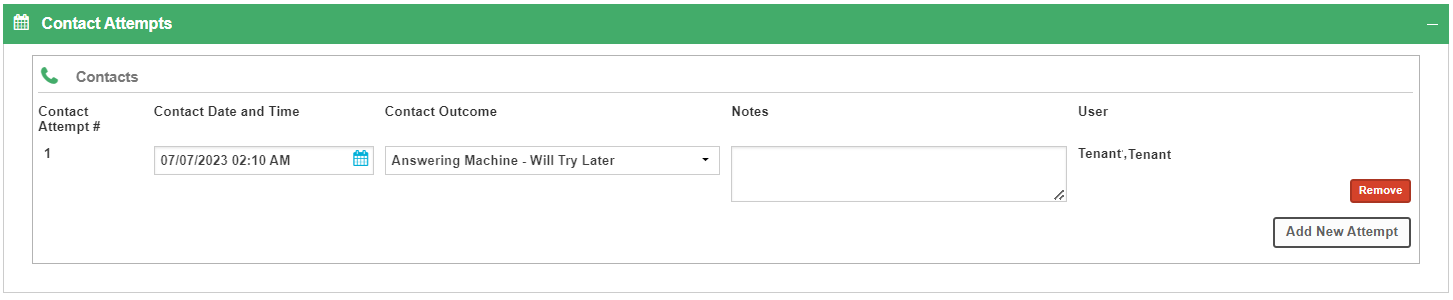
The referral may contain a Contact Attempts accordion. It may be named and coloured differently depending on your organization’s needs. It allows you to record appointment attempts, specifying the date, and time ,and to record the contact outcome. You can add and delete contact attempts.
Send Fax
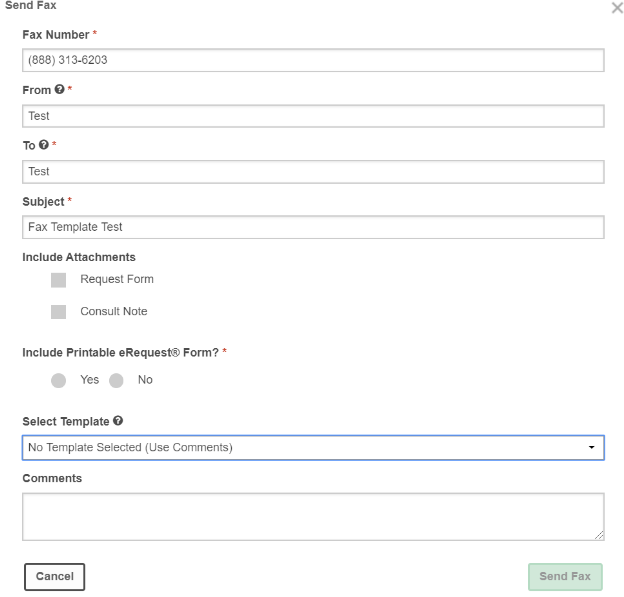 To send a fax, select Send Fax from the More Actions button (ellipsis). Choose to include attachments, referral fields, and user-specific templates.
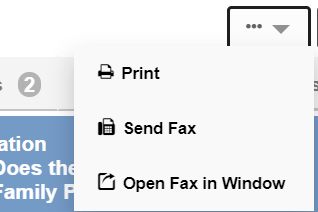
To print a referral, select Print from the More Actions button (ellipsis).
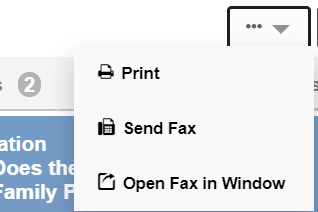
Attachments
You can view, edit, add or deactivate attachments on the Attachments tab..

Delays
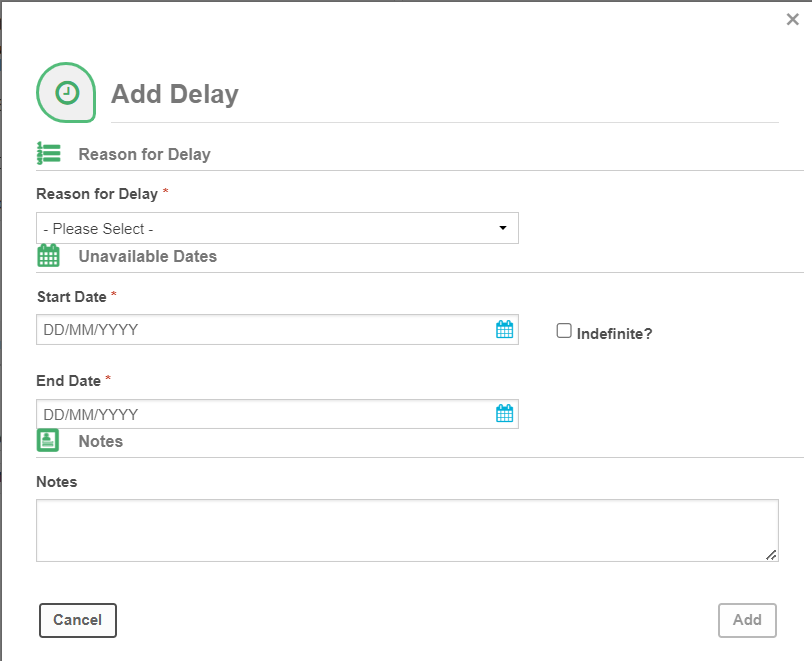
You can track and add delays to a referral on the Delays tab.

History
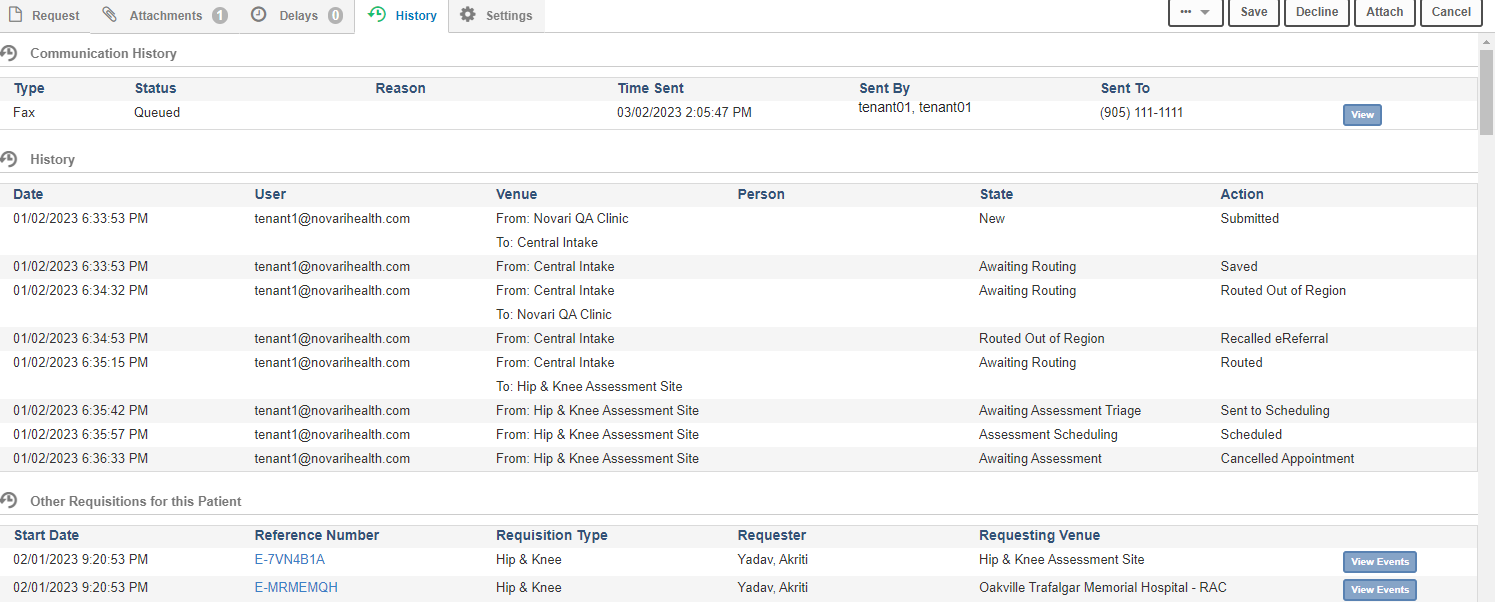 A comprehensive history of the referral is displayed on the History tab. The history contains communication history (faxes sent to providers, patient notifications), actions (sent to scheduling, etc), and other referrals for that patient.
Settings
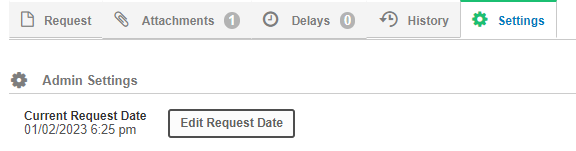
If need be, you can change the referral date on the Settings tab. This option is only available for those users that have admin permissions.
User Settings
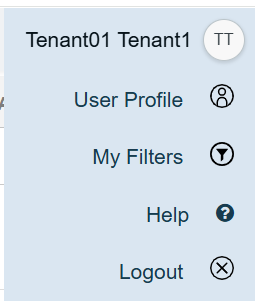
All eRequest users can manage their user profile in Novari Identity Management. Select your user menu and then select User Profile.
Fax Templates
Fax Templates are an option within a user’s profile. Templates can be created and then attached to faxes sent from within Novari eRequest. See Managing Faxes for more information.
Was this article helpful?
That’s Great!
Thank you for your feedback
Sorry! We couldn't be helpful
Thank you for your feedback
Feedback sent
We appreciate your effort and will try to fix the article