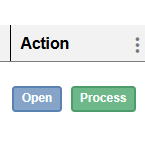
From the inbox click Open
The External Request Preview window open, the right side of the window will show the various options for updating the request.
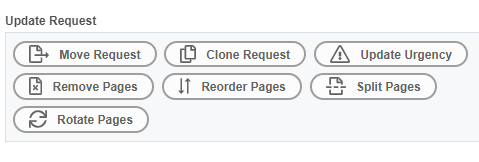
Select Split Pages
Enter the page numbers of the requisition that you wish to keep as Request 1 and page numbers of the requisition that you wish to become Request 2.
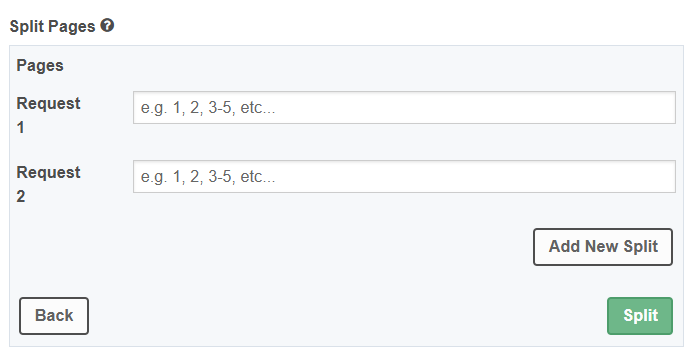
To split the requisition into as many individual requests are needed, select Add New Split.
Select Split when ready
When you return to the inbox you will see the split requisitions which will have another icon in the Origin column.
Was this article helpful?
That’s Great!
Thank you for your feedback
Sorry! We couldn't be helpful
Thank you for your feedback
Feedback sent
We appreciate your effort and will try to fix the article