How do I add a filter?
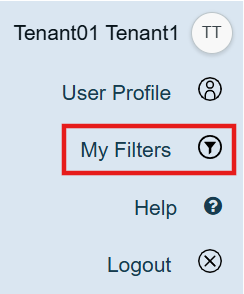
Navigate to your profile menu at the top right corner of eRequest
Select My Filters
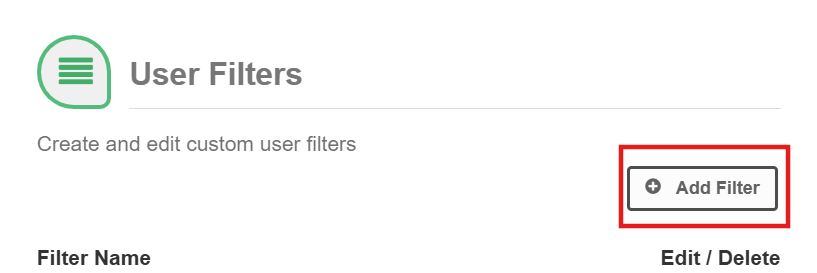
Select Add Filter
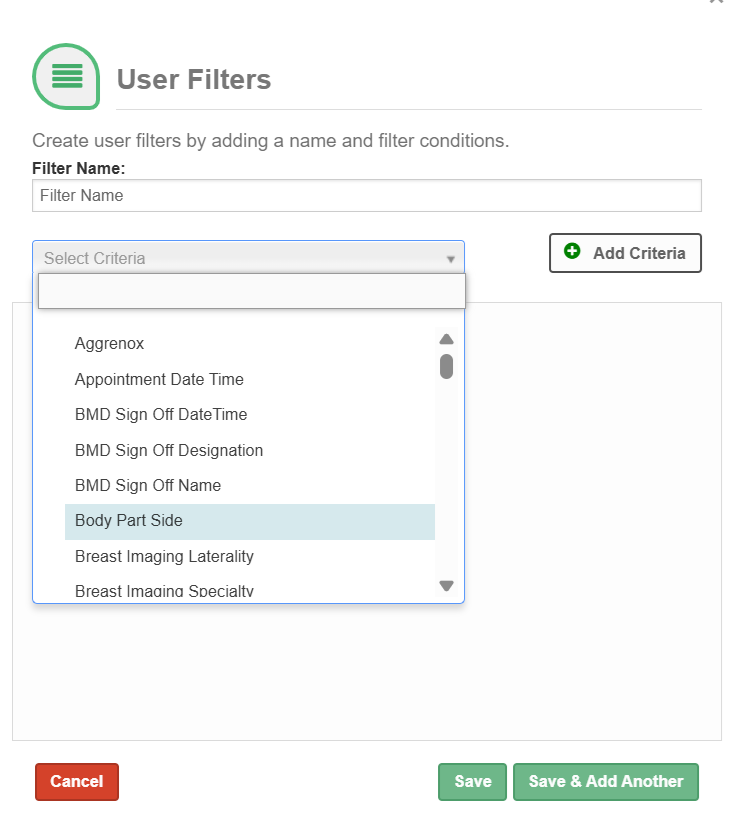
4. Enter a Filter Name and select Criteria from the drop-down menu
5. Select Add Criteria, and in the box that appears below search for the specific criteria you wish to filter by and click it to select.
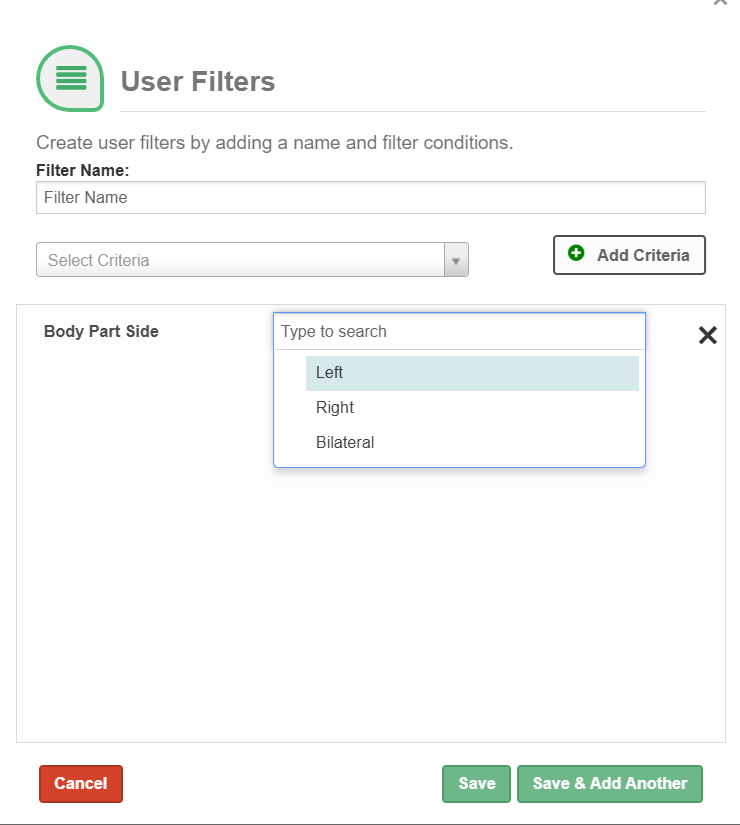
Select Save or if you would like to create another filter select Save & Add Another
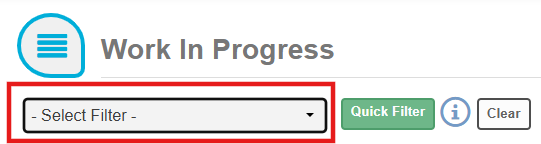
To use your user filter, select it from the Select Filter drop-down from any list view.
Was this article helpful?
That’s Great!
Thank you for your feedback
Sorry! We couldn't be helpful
Thank you for your feedback
Feedback sent
We appreciate your effort and will try to fix the article