The Ready to Schedule (Ready) column appears to the left of your wait list in Provider’s Office.
This column contains a green checkmark for cases that are ready to schedule. Hover your mouse pointer over the green checkmark to see as of when the case was ready to schedule.
Whenever you open a case, the case is checked to determine if it is ready to schedule. This is the same test that happens when a case is added to a surgery block.
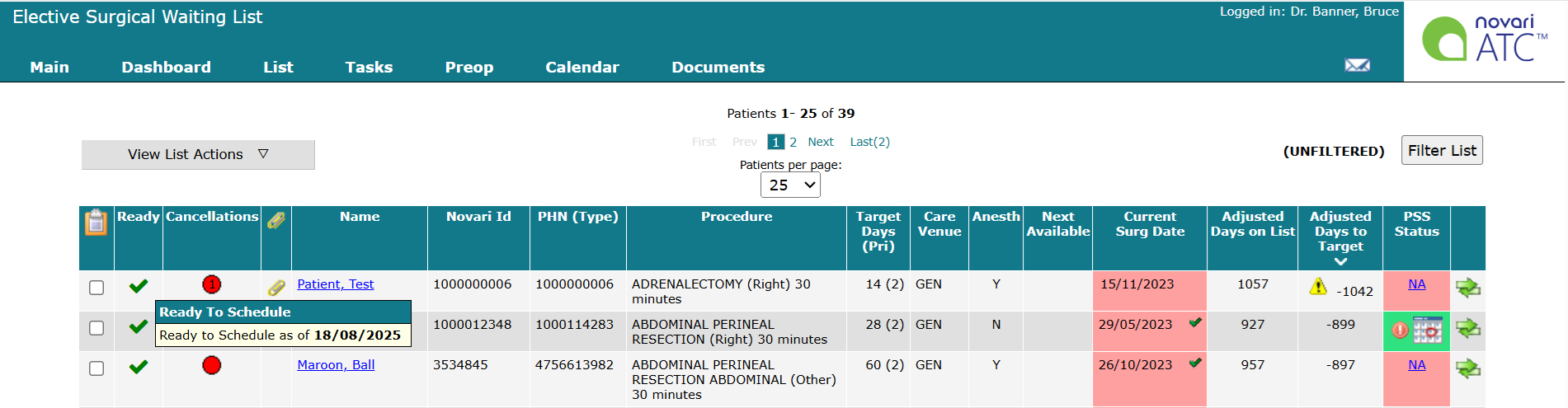
You can sort your wait list by the Ready to Schedule column (Ready).
If there are multiple cases not ready to schedule, you will see the cases in order of how many validation errors there are.
If there are multiple cases ready to schedule, you will see the cases in order of when the case was validated to be ready to schedule.
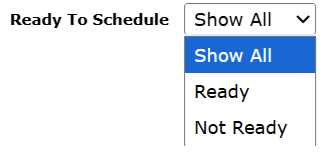
You can filter your wait list by Ready to Schedule
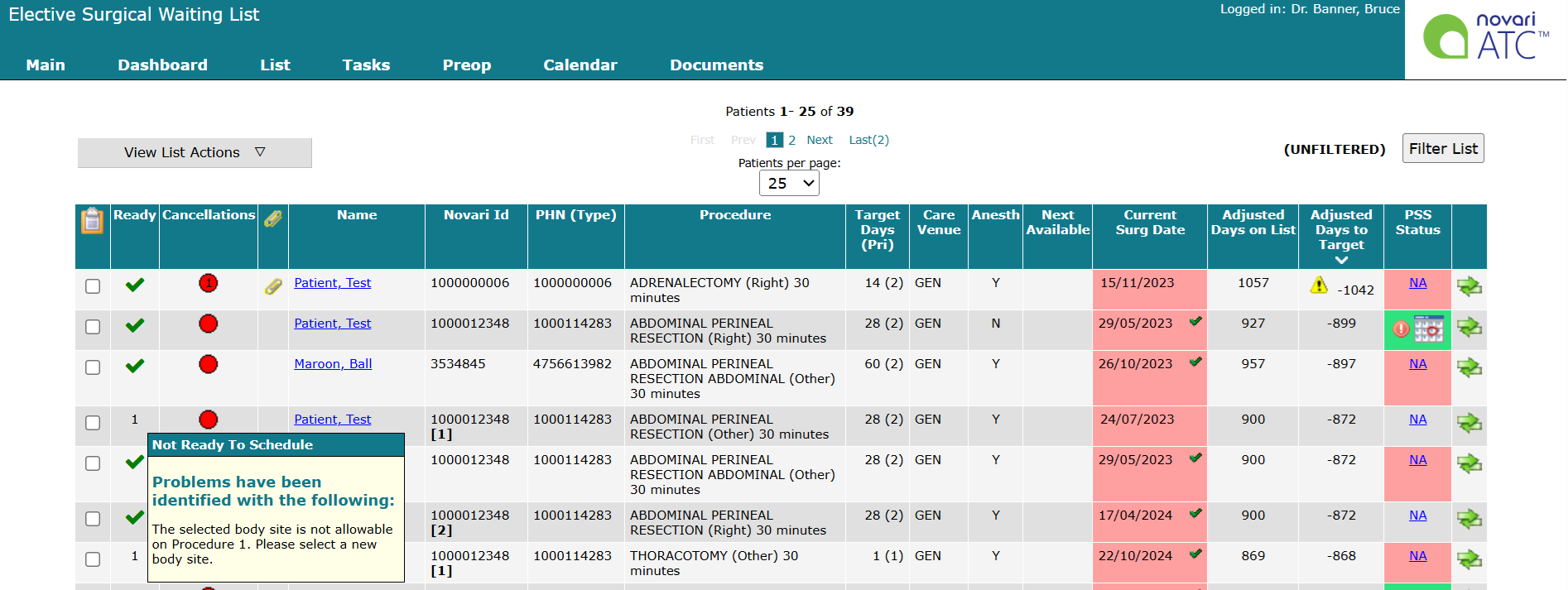
If a case is incomplete a plain text number indicates incomplete case details. Hover your mouse pointer over the number to see the reason(s) why the case is not yet ready to schedule.
Was this article helpful?
That’s Great!
Thank you for your feedback
Sorry! We couldn't be helpful
Thank you for your feedback
Feedback sent
We appreciate your effort and will try to fix the article